Students appearing for examinations under Sido Kanhu Murmu University (SKMU), Dumka, can download their admit card online through the university’s examination portal. The university releases separate admit card links for different courses and semesters, so students need to select the option that matches their examination.
At present, the SKMU examination portal has admit card sections for UG Semester II under NEP 2020, PG Semester I, PG Semester III, UG Semester VI, and other examinations.
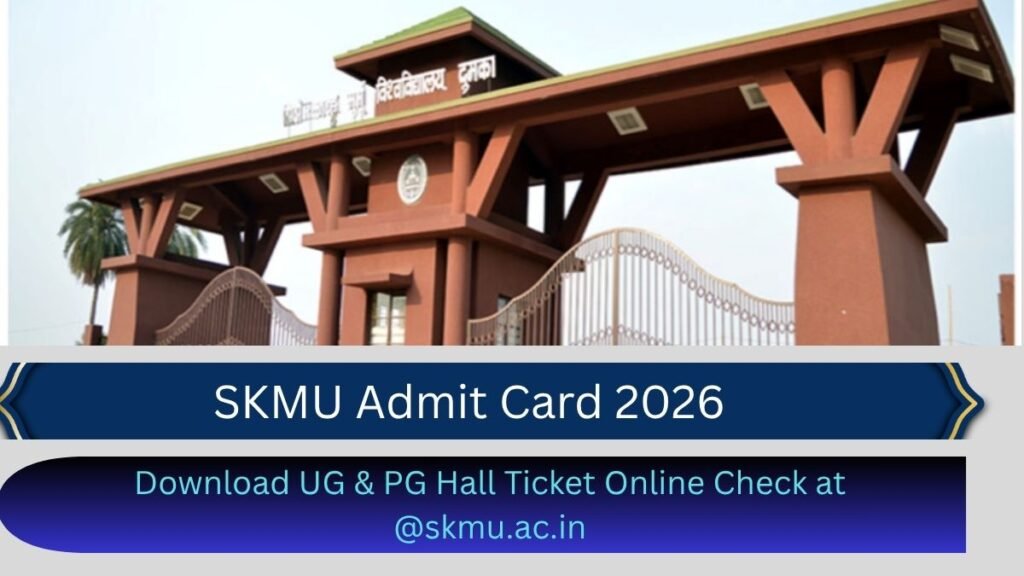
SKMU Admit Card 2026 – Overview
| Particular | Details |
|---|---|
| University | Sido Kanhu Murmu University |
| Location | Dumka, Jharkhand |
| Exam | UG, PG and Other University Exams |
| Admit Card | Available Online |
| Mode | Online |
| Official Exam Portal | SKMU Examination Portal |
| Required Detail | Roll Number / Name & Father’s Name |
| Official Website | https://skmu.ac.in/ |
SKMU Hall Ticket Download Link
Sido Kanhu Murmu University offers courses for first, second, and third-year students across both private and regular modes; candidates from both categories are eligible to take the exams. Students who are eligible for the examination and registered in the university’s database can download their SKMU Hall Ticket 2026 from the official university website; a direct link has also been provided below.
To ensure data security and confidentiality, SKMU has made the admit card available on the website exclusively through a secure login gateway. Students must enter their enrollment number and select the session, semester, and status in the login portal. Subsequently, the university server will provide access to the admit card PDF. All information provided on the admit card is essential for the verification process in the examination hall.
How to Download SKMU Admit Card 2026
Students do not need to visit the university office just to download their admit card. The process can be completed through the examination portal.
- Visit the SKMU Examination Portal.
- Open the Admit Card section.
- Select your course and semester.
- Enter your roll number or other required details.
- Click on the Search button.
- Your admit card will appear on the screen.
- Check your name, roll number, college, subjects and examination dates.
- Download the admit card and take a printout for the examination.
The portal also provides a search option using the student’s name and father’s name, which can be useful if the roll number is not available.
Details Mentioned on SKMU Hall Ticket
After downloading the admit card, check all the information carefully. The SKMU admit card format includes details such as:
- Student’s name
- Father’s name
- Registration number
- Roll number
- College name and code
- Examination center
- Stream/course
- Paper name and code
- Subject
- Date of examination
- Examination time
- Student’s photograph
- Signature of the student and principal.